
ATTENTION BUSINESS OWNERS...
Are You Still Doing the Work Copilot Could Be Doing for You?
Stop Guessing and Start Using Microsoft 365 Copilot Properly in Just 90 Minutes...
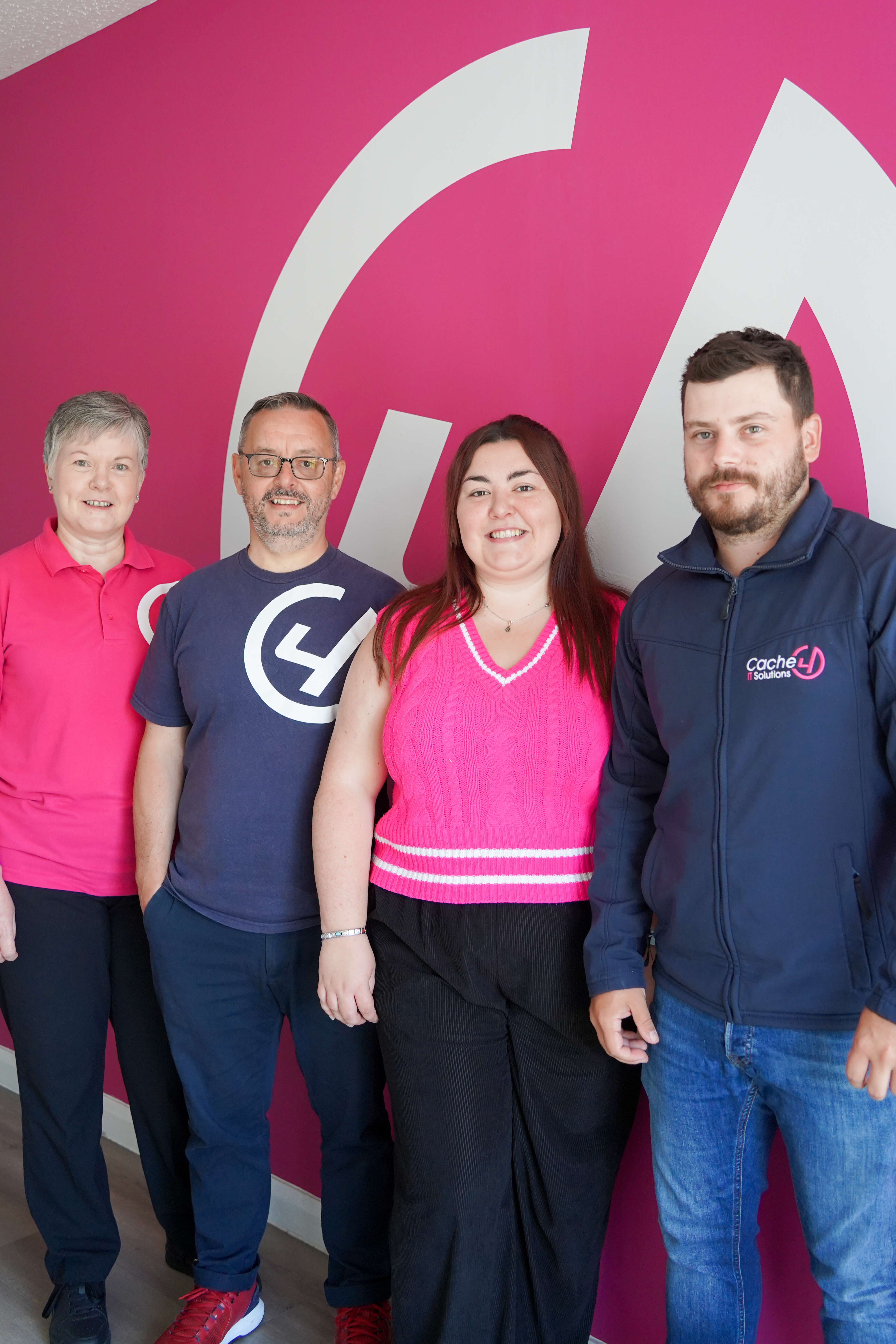
Most people are still using Copilot like Google - asking a quick question, getting a basic answer, then going back to doing the real work themselves.
In this free 90-minute workshop, we’ll teach you what to ask, how to ask it and which parts of your workload Copilot can genuinely take off your hands.
Join us online and see how much more Copilot could be doing for you and save time across your emails, documents, meetings and everyday admin...
Location: Online via Microsoft Teams
Date: Friday 28th August
Time: 10am–11.30am
During our FREE workshop, you’ll see practical examples of how Copilot can help you:
Find information buried across emails and documents
Summarise long email threads without reading every reply
Turn meetings into clear notes, decisions and actions
Pull key information from lengthy documents
Compare information such as quotes, reports or proposals
Create useful first drafts without starting from a blank page
Reduce the repetitive admin that follows you into evenings
You don’t need to be technical. You just need to know which parts of your working week take longer than they should, so we can show you where Copilot could give you that time back.
What Could Your Team Do With the Hours Lost to Admin Every Week?
A meeting ends, but someone still has to write up the notes and actions.
A customer asks a question, but the answer is buried somewhere across Outlook, Teams or a document.
A weekly report is due and somebody has to pull updates together from several different places.
These are the everyday jobs that eat through your team’s week, leaving less time for customers, decisions and the work that actually moves the business forward.
In our free Copilot workshop, we’ll show you how to reduce hours spent searching, summarising and pulling information together to minutes—using the Microsoft 365 tools your business already works in.
You’ll leave knowing which tasks Copilot could take off your team’s hands, how to give it useful instructions and where it could create the biggest time savings across your business.
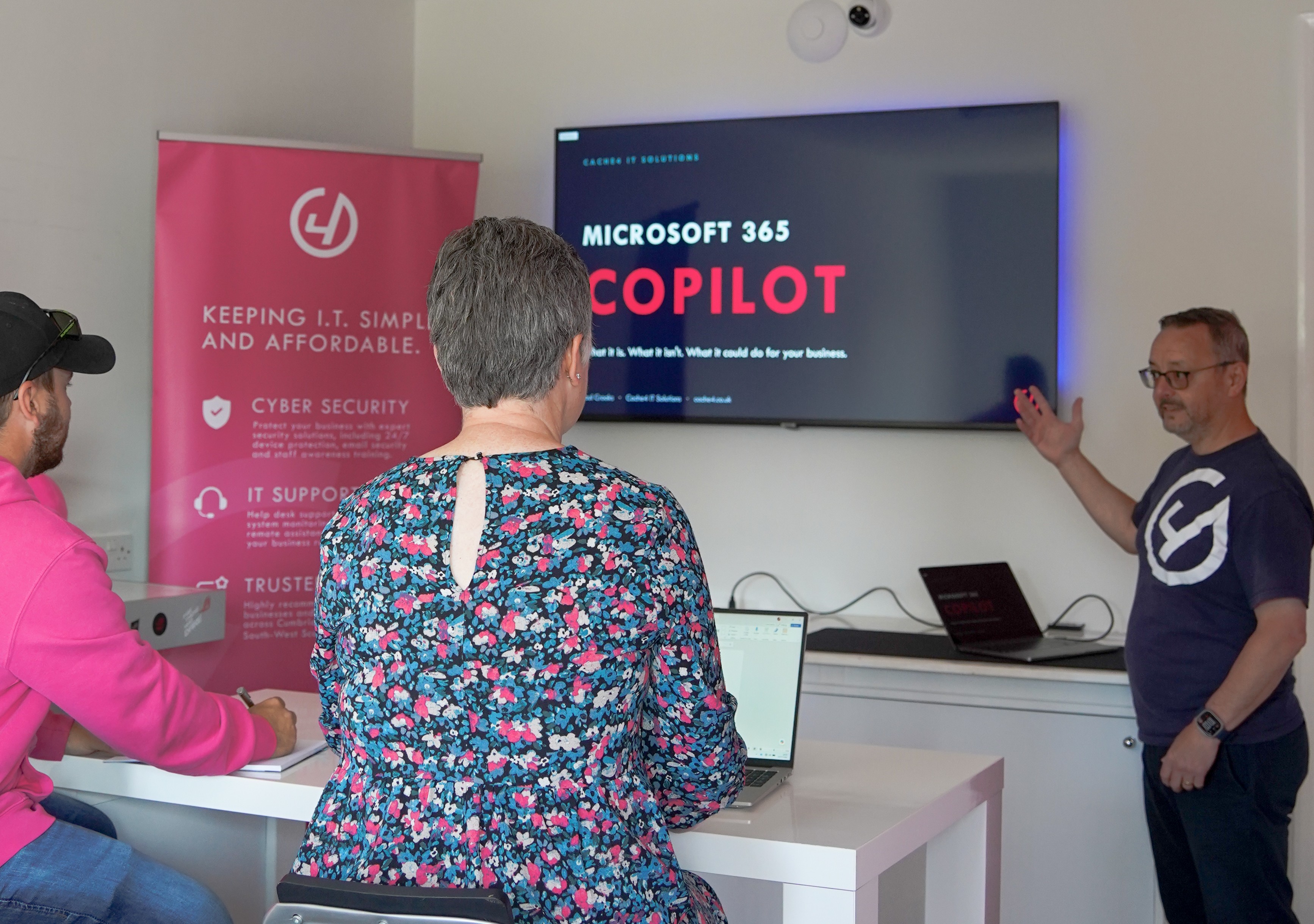
What You’ll Be Ready to Do After 90 Minutes:
Spot the work Copilot could take off your team’s hands
Turn lengthy emails and meetings into clear actions in minutes
Create useful drafts, documents and workflows faster
Use Copilot without compromising your business data
Leave with a clear plan to start saving time immediately
Is This Session Right For You?
Ideal for
The Overwhelmed Owner: You spend more time in your inbox than growing your business and need a way out of "email hell.
The "Where is that file?" Manager: You struggle to find specific information across dozens of documents, chats, and folders
The Non-Tech Savvy Leader: You want to understand AI in plain English without the confusing jargon or "tech-bro" hype.
The Security-Conscious: You’re curious about AI but worried about where your private business data actually goes.
The Efficiency Seeker: You want to automate the Admin and repetitive tasks that slow down your team’s Delivery.
Not for
The "Magic Button" Hunter: You’re looking for a tool to replace your staff rather than a co-pilot to assist them.
Non-Microsoft Users: This session is specifically for those already using (or moving to) the Microsoft 365 ecosystem.
The "AI is a Fad" Skeptic: You’ve already decided AI has no place in your business and aren't open to seeing how it works.
Large Enterprise IT Teams: This is a small-group session tailored specifically for the needs of small businesses and non-profits.
Home/Personal Users: We are focusing strictly on the Business and Enterprise versions of Copilot, not the free personal web tool.
What We’ll Cover In 90 Minutes
Copilot explained — What it is, where it lives, what it connects to.
Live examples — The everyday tasks you actually care about.
Readiness & security — What needs to be sorted before rolling it out.
Q&A — Straight answers, no sales pitch.
By the end of the session, you’ll know whether Copilot is right for your business or not.
Venue: Teams Meeting, Online.
Dates: Friday 28th August, 10am - 11.30am
Places are limited to keep the session practical and interactive.
Join the Waitlist
Small, focused group. Places are confirmed personally to keep the session useful for everyone.
Why Cache4?
We help businesses get the most from Microsoft 365 — securely, sensibly and without unnecessary complexity.
This session is educational first. If Copilot isn’t right for you yet, we’ll say so.
Paul has helped 150+ small businesses use Microsoft 365 to get organised, save time and reduce chaos — not just buy software.
If Copilot isn’t right for you yet, we’ll say so.
Do I have to purchase Copilot?
No. This session is specifically for people who are considering Copilot or want to understand if it’s worth it before investing.
Will this cover data security and privacy?
Yes. We’ll explain how Copilot works with your existing data and what security considerations businesses should understand before using it.
Is this suitable for my whole team?
This session is aimed at decision-makers and team leads. Once you understand Copilot, we can help roll it out sensibly to the wider team if needed.
Is this a sales pitch?
No. This is an educational session designed to help you understand Copilot properly. There will be no pressure to buy anything — you’ll simply leave knowing whether Copilot is right for your business.
Do I need to be technical?
Not at all. This session is designed for non-technical business owners and team leaders. Everything is explained in plain English with real examples.
Will this be recorded?
No — this is a live, in-person session to encourage discussion and questions.
What happens after the session
You’ll leave knowing whether Copilot makes sense for your business right now. If you’d like help applying what you’ve learned, we can discuss next steps — but there’s no obligation.